
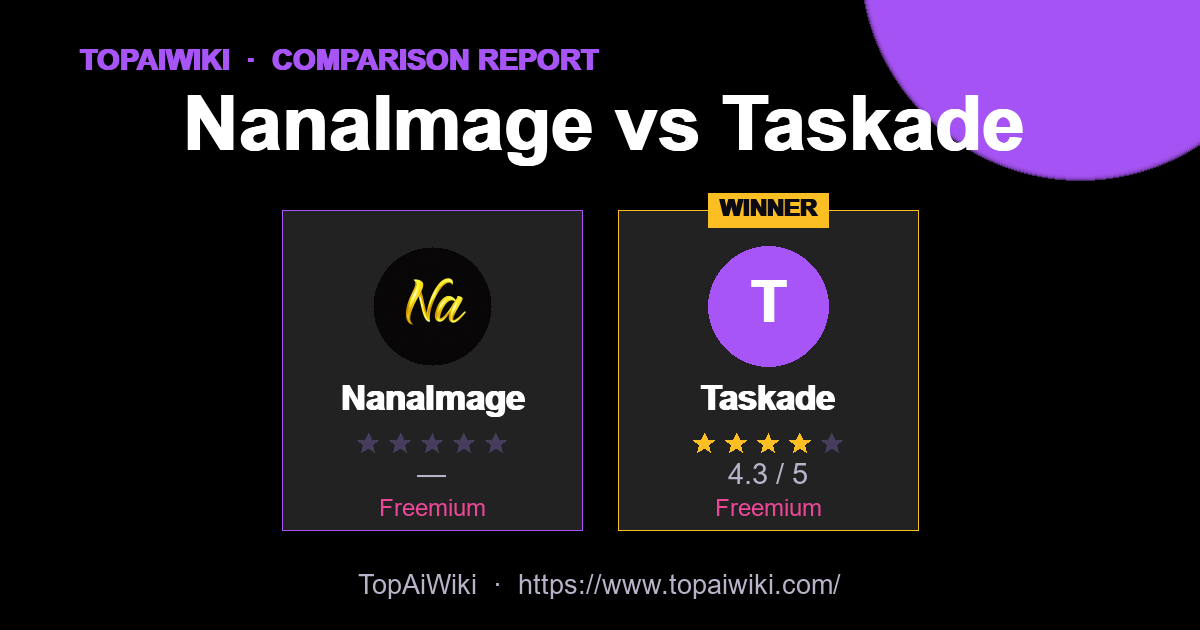
How do NanaImage vs Taskade compare? This side-by-side report weighs each image editing tool on user ratings, pricing, popularity and community reputation — so you can skip the guesswork and pick the right one in minutes.
🏆 Quick verdict
Short on time? Here are the standout winners in each category.
📊 At a glance
The full head-to-head. Cells marked 👑 lead their row.
| Metric | NanaImage | Taskade |
|---|---|---|
| ⭐ Rating | — | ★★★★☆ 4.3 👑 |
| 💬 Reviews | 0 | 4 👑 |
| 💵 Pricing | Freemium | Freemium |
| 🏷 Category | image editing | Productivity |
| 🎟 Popularity | 0 | 0 |
| 🏅 Honor medals | 0 | 33 👑 |
| ❤️ Likes | 9 | 1,528 👑 |
| 👁 Views | 58 | 14,147 👑 |
💡 Key takeaways
- ✅ Taskade leads on user satisfaction with a 4.3★ average rating.
- 💰 On a budget? Taskade offers the best value (Freemium).
- 💬 Taskade has the most reviews (4), so its rating is the most battle-tested.
🎯 Which one should you choose?
🔍 Tool-by-tool
NanaImage
Edit or generate consistent 4K images from text
👍 Pros
- Strong prompt following: High alignment between written instructions and final output, including relatively complex, multi-part edits.
- Fast, high-quality results: Typical generations finish in under ten seconds with 4K+ resolution available in higher modes.
- Affordable credit model: Headline price around 0.05 dollars per generation with one free credit every 24 hours, significantly below many rivals.
- Creator-friendly licensing: Paid plans include commercial usage rights, watermark removal, and permanent cloud storage, which fits professional workflows.
👎 Cons
- Credit-based mental overhead: Users must keep an eye on remaining credits and per-image usage, especially on smaller plans.
- Limited visible integrations: The site focuses on the web editor itself, with no obvious native plugins for tools like Figma or Photoshop yet.
- Newer brand: Although it advertises tens of thousands of users, it is still a relatively fresh entrant, so long-term stability and wider ecosystem support are evolving.
Taskade
AI workspace for tasks and mind maps.
👍 Pros
- Tasks
- Mind map
- Agents
👎 Cons
- Free tier is limited
- Steep learning curve for advanced features
📣 Community signals
Across these 2 tools, the community has cast 0 popularity votes, left 4 reviews and given 1,537 likes. Gifts, medals and reputation reflect real member engagement rather than editorial opinion.
❓ Frequently asked questions
This report is compiled from user-submitted comparisons based on user ratings and tool features, and is for reference only. Ratings and data may change over time; please verify information on the official websites of each tool before making a decision.
💬 Discussion (0)
No comments yet. Start the discussion!
Add a comment