

How do Image 2, Meshy, NanaImage vs PixAI compare? This side-by-side report weighs each image generation tool on user ratings, pricing, popularity and community reputation — so you can skip the guesswork and pick the right one in minutes.
🏆 Quick verdict
Short on time? Here are the standout winners in each category.
📊 At a glance
The full head-to-head. Cells marked 👑 lead their row.
| Metric | Image 2 | Meshy | NanaImage | PixAI |
|---|---|---|---|---|
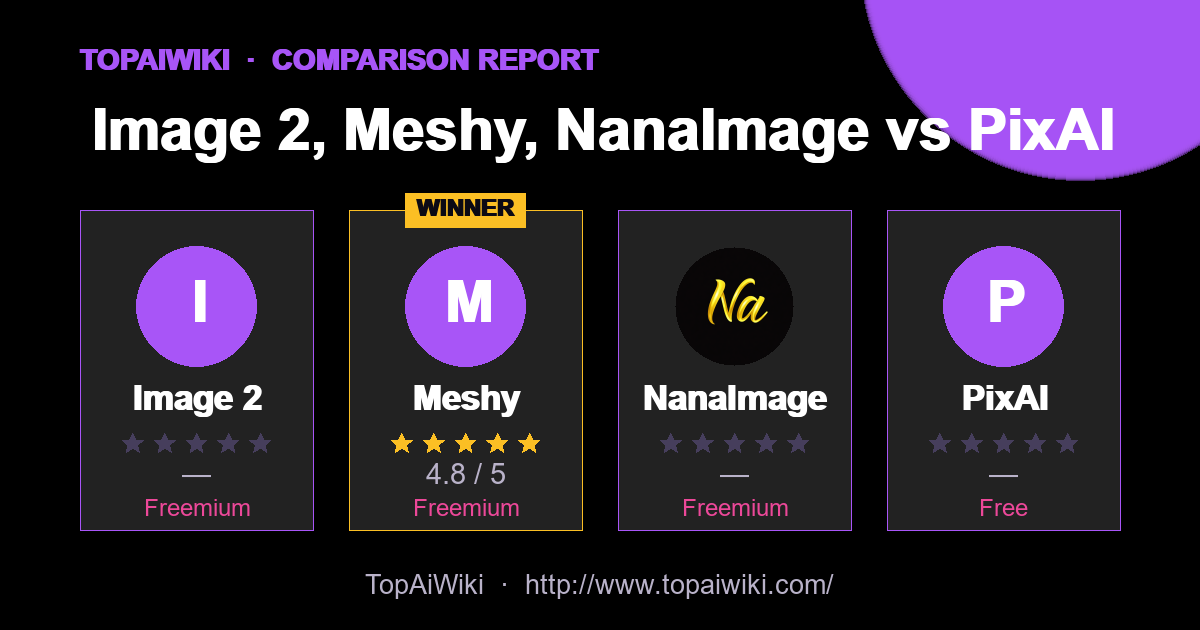
| ⭐ Rating | — | ★★★★★ 4.8 👑 | — | — |
| 💬 Reviews | 0 | 4 👑 | 0 | 0 |
| 💵 Pricing | Freemium | Freemium | Freemium | Free |
| 🏷 Category | Image Generation | 3D & Modeling | image editing | avatars |
| 🎟 Popularity | 0 | 0 | 0 | 0 |
| 🏅 Honor medals | 0 | 19 👑 | 0 | 0 |
| ❤️ Likes | 0 | 1,938 👑 | 9 | 247 |
| 👁 Views | 0 | 36,339 👑 | 111 | 111 |
💡 Key takeaways
- ✅ Meshy leads on user satisfaction with a 4.8★ average rating.
- 💰 On a budget? Meshy offers the best value (Freemium).
- 💬 Meshy has the most reviews (4), so its rating is the most battle-tested.
🎯 Which one should you choose?
🔍 Tool-by-tool
Image 2
AI image generator for text-to-image, editing, posters, and ads
👍 Pros
- Easy to use
- Fast results
👎 Cons
- Credit based pricing
Meshy
Text and image to game-ready 3D.
👍 Pros
- Text to 3D
- Textures
- Rig
👎 Cons
- Free tier is limited
- Steep learning curve for advanced features
NanaImage
Edit or generate consistent 4K images from text
👍 Pros
- Strong prompt following: High alignment between written instructions and final output, including relatively complex, multi-part edits.
- Fast, high-quality results: Typical generations finish in under ten seconds with 4K+ resolution available in higher modes.
- Affordable credit model: Headline price around 0.05 dollars per generation with one free credit every 24 hours, significantly below many rivals.
- Creator-friendly licensing: Paid plans include commercial usage rights, watermark removal, and permanent cloud storage, which fits professional workflows.
👎 Cons
- Credit-based mental overhead: Users must keep an eye on remaining credits and per-image usage, especially on smaller plans.
- Limited visible integrations: The site focuses on the web editor itself, with no obvious native plugins for tools like Figma or Photoshop yet.
- Newer brand: Although it advertises tens of thousands of users, it is still a relatively fresh entrant, so long-term stability and wider ecosystem support are evolving.
PixAI
Unleash AI to create stunning anime art, effortlessly and without artistic skills
👍 Pros
- Creativity Booster: Fuels the creative process by generating multiple art interpretations from a single prompt.
- Time-Saving: Significantly reduces the time required to draft and illustrate complex anime characters.
- Cost-Effective: Offers free access to AI art generation, making it accessible to users on a budget.
- No Artistic Skills Needed: Enables individuals without traditional artistic training to create anime art.
👎 Cons
- Limited Styles: While specialized in anime, it may not cater to those seeking a broader range of artistic styles.
- Dependence on Descriptions: The quality of the output heavily relies on the user's ability to provide detailed prompts.
- Potential for Generic Results: There's a chance of generating art that lacks the uniqueness of hand-drawn illustrations.
📣 Community signals
Across these 4 tools, the community has cast 0 popularity votes, left 4 reviews and given 2,194 likes. Gifts, medals and reputation reflect real member engagement rather than editorial opinion.
❓ Frequently asked questions
This report is compiled from user-submitted comparisons based on user ratings and tool features, and is for reference only. Ratings and data may change over time; please verify information on the official websites of each tool before making a decision.
💬 Discussion (0)
No comments yet. Start the discussion!
Add a comment