

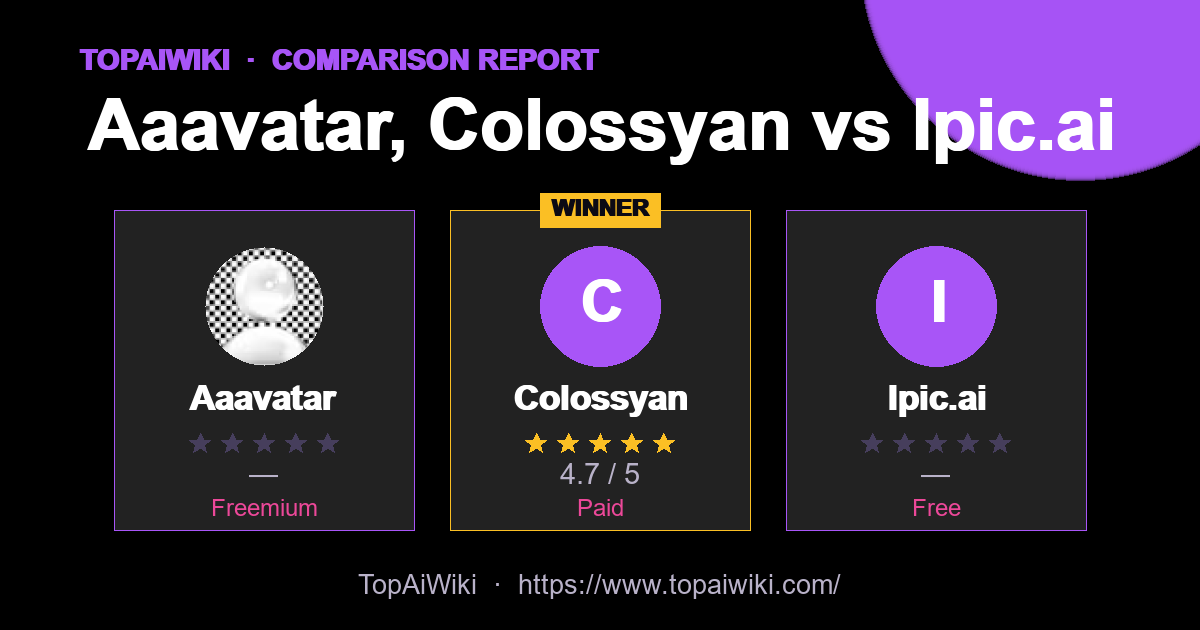
How do Aaavatar, Colossyan vs Ipic.ai compare? This side-by-side report weighs each image editing tool on user ratings, pricing, popularity and community reputation — so you can skip the guesswork and pick the right one in minutes.
🏆 Quick verdict
Short on time? Here are the standout winners in each category.
📊 At a glance
The full head-to-head. Cells marked 👑 lead their row.
| Metric | Aaavatar | Colossyan | Ipic.ai |
|---|---|---|---|
| ⭐ Rating | — | ★★★★★ 4.7 👑 | — |
| 💬 Reviews | 0 | 3 👑 | 0 |
| 💵 Pricing | Freemium | Paid | Free |
| 🏷 Category | image editing | Avatars & Talking Heads | image editing |
| 🎟 Popularity | 0 | 0 | 0 |
| 🏅 Honor medals | 0 | 36 👑 | 0 |
| ❤️ Likes | 0 | 1,044 👑 | 262 |
| 👁 Views | 113 | 12,871 👑 | 107 |
💡 Key takeaways
- ✅ Colossyan leads on user satisfaction with a 4.7★ average rating.
- 💰 On a budget? Aaavatar offers the best value (Freemium).
- 💬 Colossyan has the most reviews (3), so its rating is the most battle-tested.
🎯 Which one should you choose?
🔍 Tool-by-tool
Aaavatar
Turn messy staff photos into consistent branded headshots
👍 Pros
- Purpose-built for team portraits: Focuses on real employee photos rather than generic AI face generation, which keeps people recognisable while still cleaning up the set.
- Consistent branding in a few clicks: Background presets and brand-color matching make it easy to keep every headshot aligned with visual guidelines.
- Significant time savings: Automates background removal, alignment, and retouch steps that would otherwise require manual work in tools like Photoshop.
- Low-friction workflow: Drag-and-drop input followed by simple steps (remove, choose background, retouch, export) keeps the process approachable for non-designers.
- Good output quality for common use cases: The combination of color balancing, detail restoration, and alignment usually delivers “studio-like” portraits from imperfect source photos.
👎 Cons
- Mac only: Currently limited to macOS, which leaves Windows-centric or browser-only teams looking for alternatives.
- Narrow editing scope: Does not replace a full photo editor for complex retouching, compositing, or creative effects outside standard headshots.
- Limited integration tooling: Works via file export rather than direct integrations with HRIS, CMS, or collaboration platforms.
Colossyan
Avatar videos for workplace training.
👍 Pros
- Avatars
- Training
- Templates
👎 Cons
- Free tier is limited
- Steep learning curve for advanced features
Ipic.ai
AI-powered image enhancement for professionals and hobbyists alike
👍 Pros
- Increased Productivity: Streamlines the photo editing process, allowing users to achieve professional results quickly.
- User-Friendly Interface: Boasts an intuitive interface that is easy to navigate, catering to users with varying technical skills.
- High-Quality Outputs: Delivers high-resolution images that maintain clarity and detail, ensuring professional-grade results.
- Versatility: Suited for a wide range of applications, from personal photo enhancement to professional branding.
👎 Cons
- Internet Dependency: Requires a stable internet connection for optimal functionality, which could be limiting in certain situations.
- Subscription Model: While offering powerful features, continual access may require a recurring subscription fee, posing a financial commitment.
- Limited Offline Capabilities: Some features may not be accessible when users are offline, restricting usage in offline environments.
📣 Community signals
Across these 3 tools, the community has cast 0 popularity votes, left 3 reviews and given 1,306 likes. Gifts, medals and reputation reflect real member engagement rather than editorial opinion.
❓ Frequently asked questions
This report is compiled from user-submitted comparisons based on user ratings and tool features, and is for reference only. Ratings and data may change over time; please verify information on the official websites of each tool before making a decision.
💬 Discussion (0)
No comments yet. Start the discussion!
Add a comment